 Get started
← All docs / Start
Build Playweave
Install, build, and open a project.
On this page
Build the source preview
These commands apply to the September 10 source archive. It includes the early editor; the newer Mac shell and Cloud flows shown elsewhere are not part of this ZIP.
Requires macOS, stable Rust, and Xcode command-line tools. Download the source, unzip it, and open that folder in a terminal.
cargo build --locked --workspace
cargo run -p playweave-cli -- new ./my-game --dimension 3
cargo run -p playweave-cli -- edit ./my-game
No account or AI key is needed. Use --dimension 2 for a 2D project.
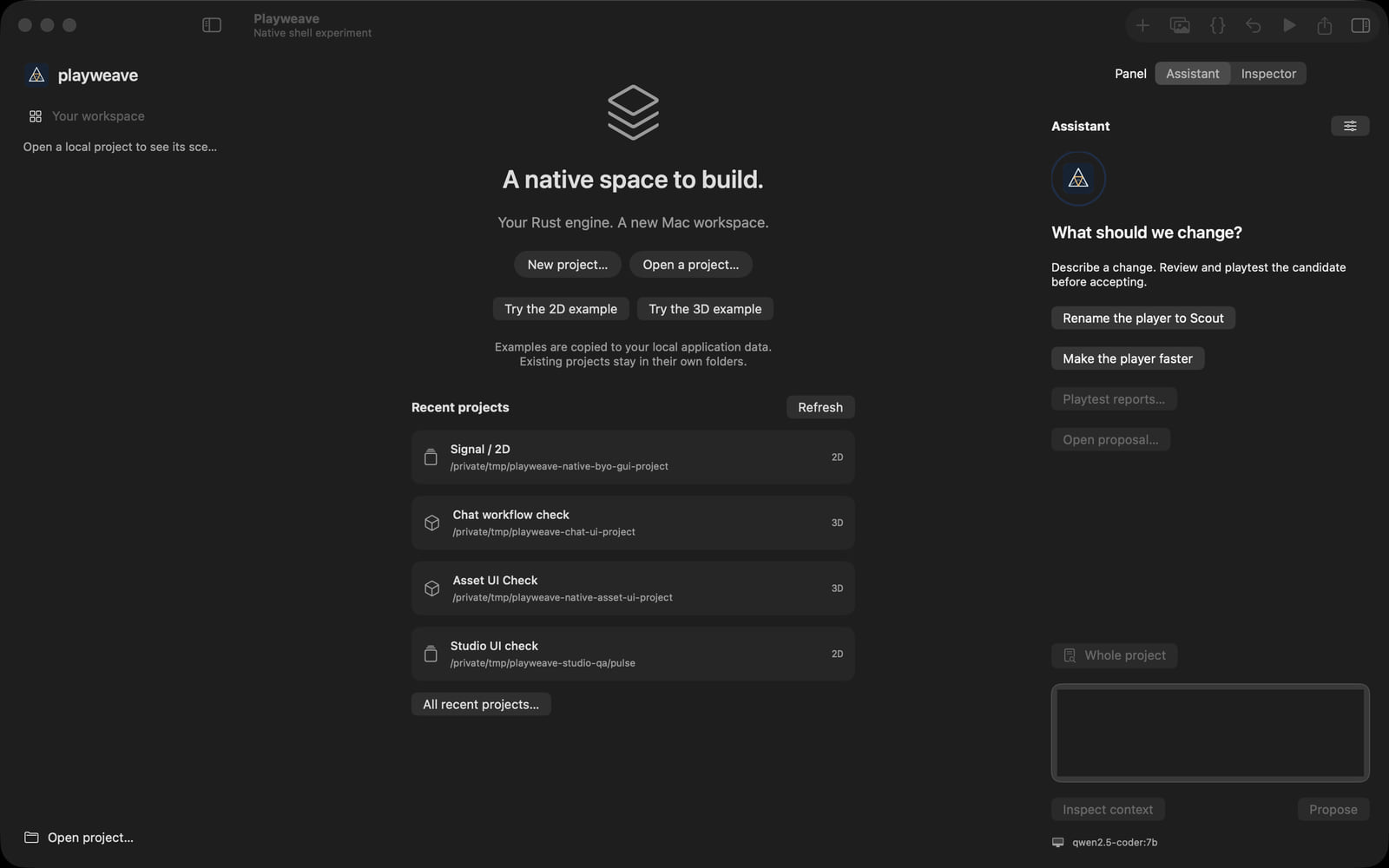
Open a sample
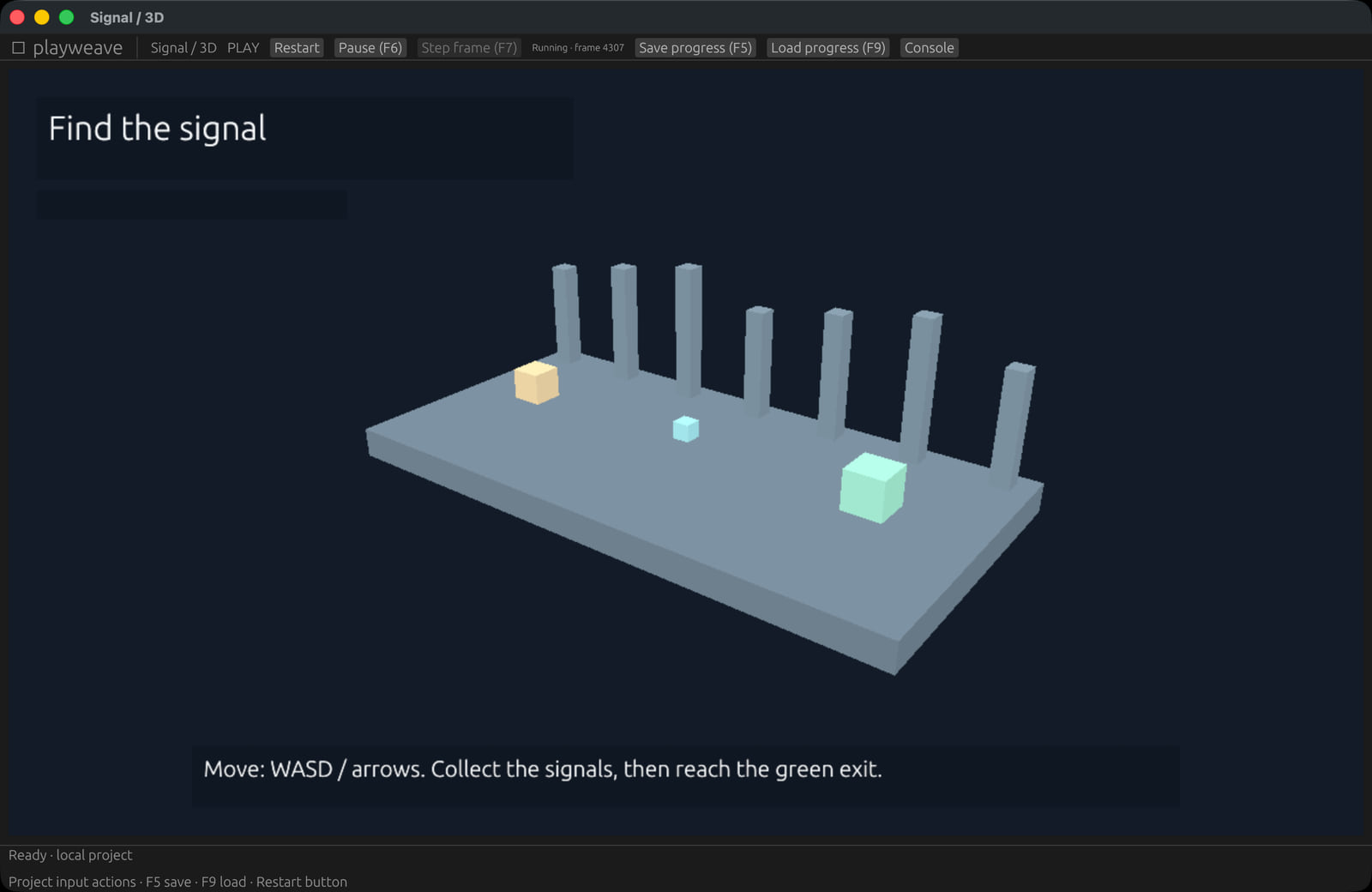
cargo run -p playweave-cli -- edit examples/signal-3dPress Play. Use WASD or arrow keys to collect the signal and reach the exit. R restarts; F5 saves; F9 loads.
Next: make your first change.
Earlier games remain in your existing account. They keep their original formats.