 Get started
← All docs / AI
Work with AI
Connect a model and review its edits.
On this page
Use an OpenAI-compatible provider or local model server. Set its endpoint and model before starting the editor:
export PLAYWEAVE_AI_ENDPOINT=https://your-provider.example/v1
export PLAYWEAVE_AI_MODEL=your-model-id
# Set PLAYWEAVE_AI_KEY securely if your provider requires it.
cargo run -p playweave-cli -- edit ./my-game
Keep credentials outside your project.
- Describe an edit in the assistant panel. Select Propose.
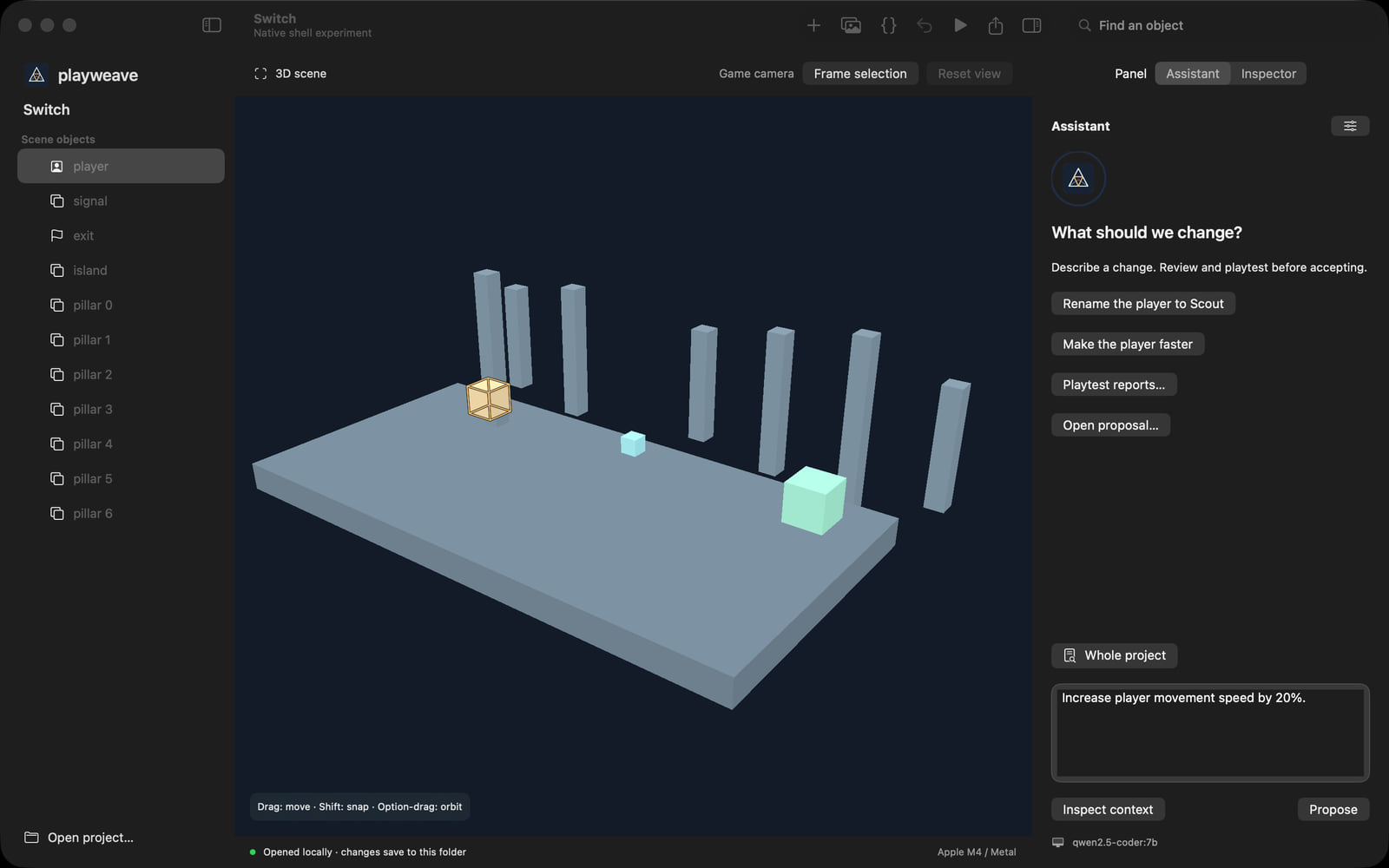
- Inspect the candidate and check results. It has not changed your saved project.
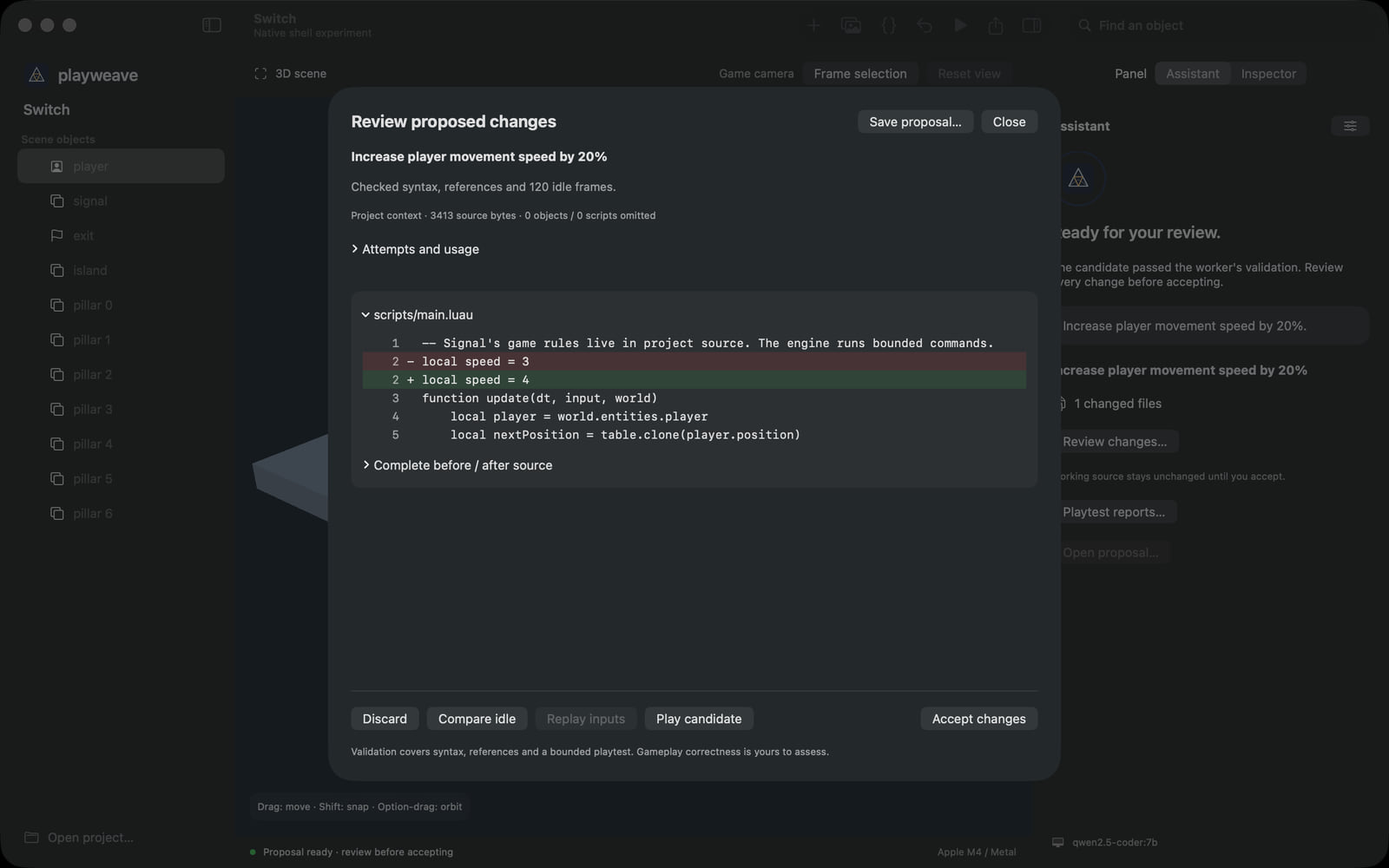
- Accept or discard it. Playtest accepted changes; use Undo if needed.
Checks cover syntax, references, and 120 idle simulation frames. They do not prove gameplay success. The agent stops after two repair attempts. Failed or cancelled requests do not commit edits.
From the terminal
cargo run -p playweave-cli -- propose ./my-game "Make movement faster" --output candidate.json
cargo run -p playweave-cli -- accept ./my-game candidate.json